
They’re Bigger.
We’re better.
Frustrated with Bill.com?
Switch to the AP Platform that puts the customer first.
- No nickel-and-diming. Unlimited transactions and unlimited approvers.
- Dedicated customer success support via phone, Zoom, and email.
- Ottimate never slows down vendor payments to make money on interest.
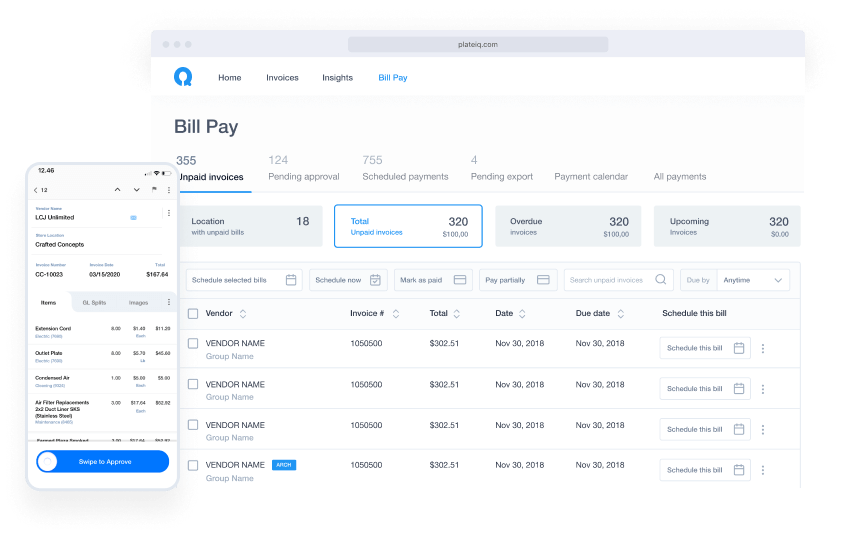
Designed For Accountants And Bookkeepers
Ottimate puts your clients’ needs first with an AP automation platform that supports their custom workflow needs and provides critical business insights
Bill.com
Per-Approver Pricing

No Dedicated Support
Standard Invoice Approval Rules
No Line-level Invoice Capture
Manual Invoice Submission via Mobile and Email Only
No Insights
No Cash Back


Unlimited Users (Of All Types), 1 Flat Price
Dedicated Customer Success
Custom Invoice Approval Rules
with Any Invoice Field
Line-level Invoice Capture
Mobile, Email, and Paperless
Vendor Integration
Insights, Spend Analysis,
Contracted Price Enforcement
Up to 1% Cash Back on
Payments via Ottimate vCards
How One Accounting Firm Switched From Bill.com And Streamlined Their AP

“We like that Ottimate charges the same for Bill Pay every month. We’re not getting charged $1.50 for every check or ACH that goes out.
And Ottimate’s integration with QuickBooks actually works. It syncs instantly. I’m not spending the hours that I did with Bill.com on sync issues.”Jessica Glenn
Bookkeeper, Books To Go
Here’s Why Ottimate Is Every Accountant’s Choice
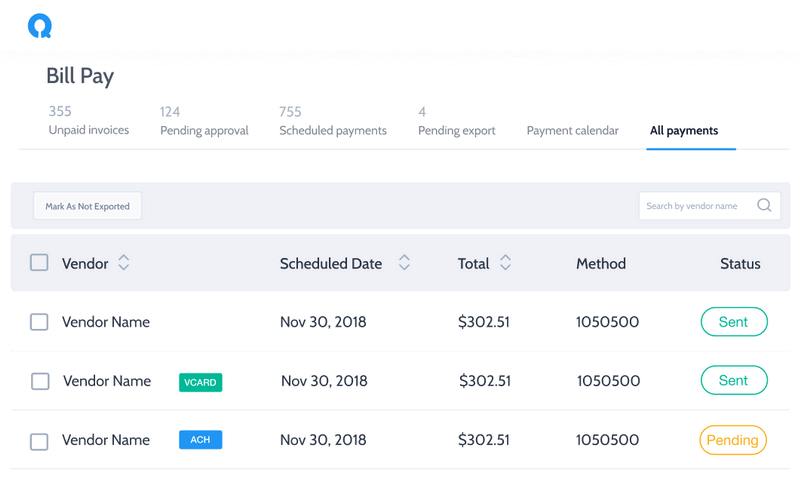
Pay Invoices Online
(Just Like With Bill.com)
Ottimate empowers you to schedule and pay your invoices effortlessly via ACH, check and virtual cards, right from the Ottimate platform.
Unlike Bill.com, we don’t slow payments down to earn interest on float.
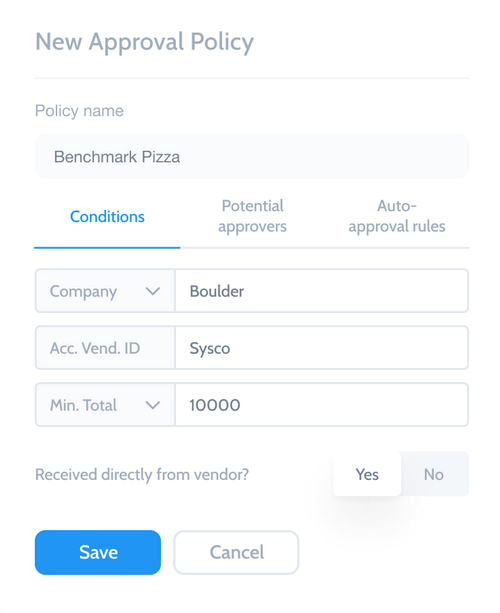
Truly Scalable Approval Policies For Your Clients
With unlimited seats, you can add as many approvers as you need to your client’s approval workflows.
Create as many custom approval rules as you like that leverage every data field in your invoices.
Find (And Tell) The Story In Your Customer’s Spend
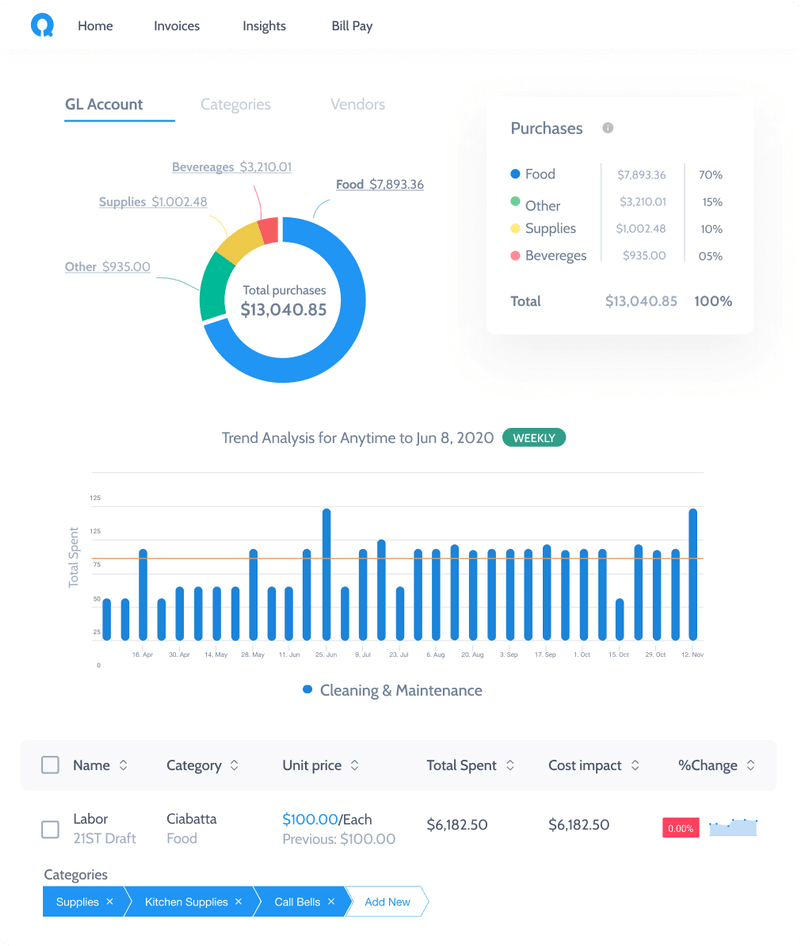
Ottimate extracts and digitizes invoices down to the line-item, allowing you to drill down into your client’s spending by GL account, category, line item, time period, and more.
Offer actionable insights to your clients on sources of changing costs.
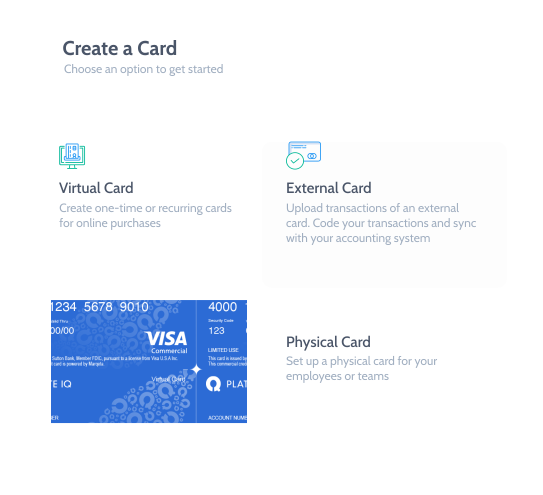
Earn Cash Back On Payments With vCards
Tired of sending checks or ACH payments?
Pay with Ottimate virtual cards (vCards) and earn competitive cash back.
Automated Invoice Processing That Learns Your Workflow
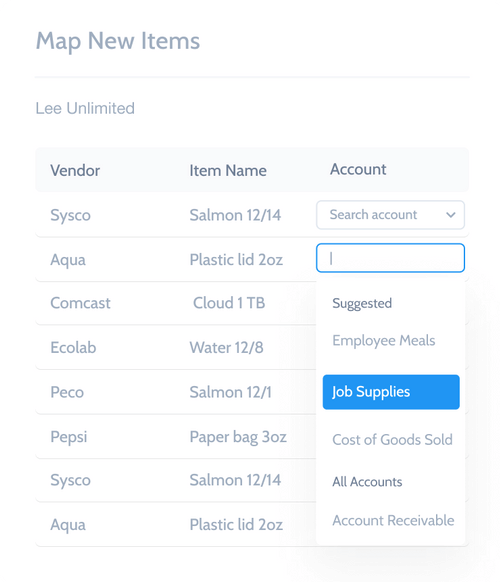
Set up your workflow and mappings once.
Ottimate learns your processes and takes over from there so you never have to manually code another GL item twice.
Paper-less Integrations With Vendors
Tired of manually scanning invoices?
Directly integrate with vendors and pull invoices into your AP workflow automatically
Hundreds Of Industry-Specific Integrations





The managers love being able to shoot an upside down, backwards, three-page invoice, mixed in with a bunch of other invoices, and have it process properly.” And the approval process has eliminated client trips into the office entirely. Our aging is exact to what’s sitting in Ottimate under the Approvals tab. The manager just logs on, sees what we’ve set for payment, and approves it.
Joe Ely
Accountant, J Ely Business Services

Trusted by