
Every invoice, coded for your books.
Ottimate captures invoice line items, applies your GL accounts and dimensions, and syncs bills to Sage Intacct with access to the original invoice.
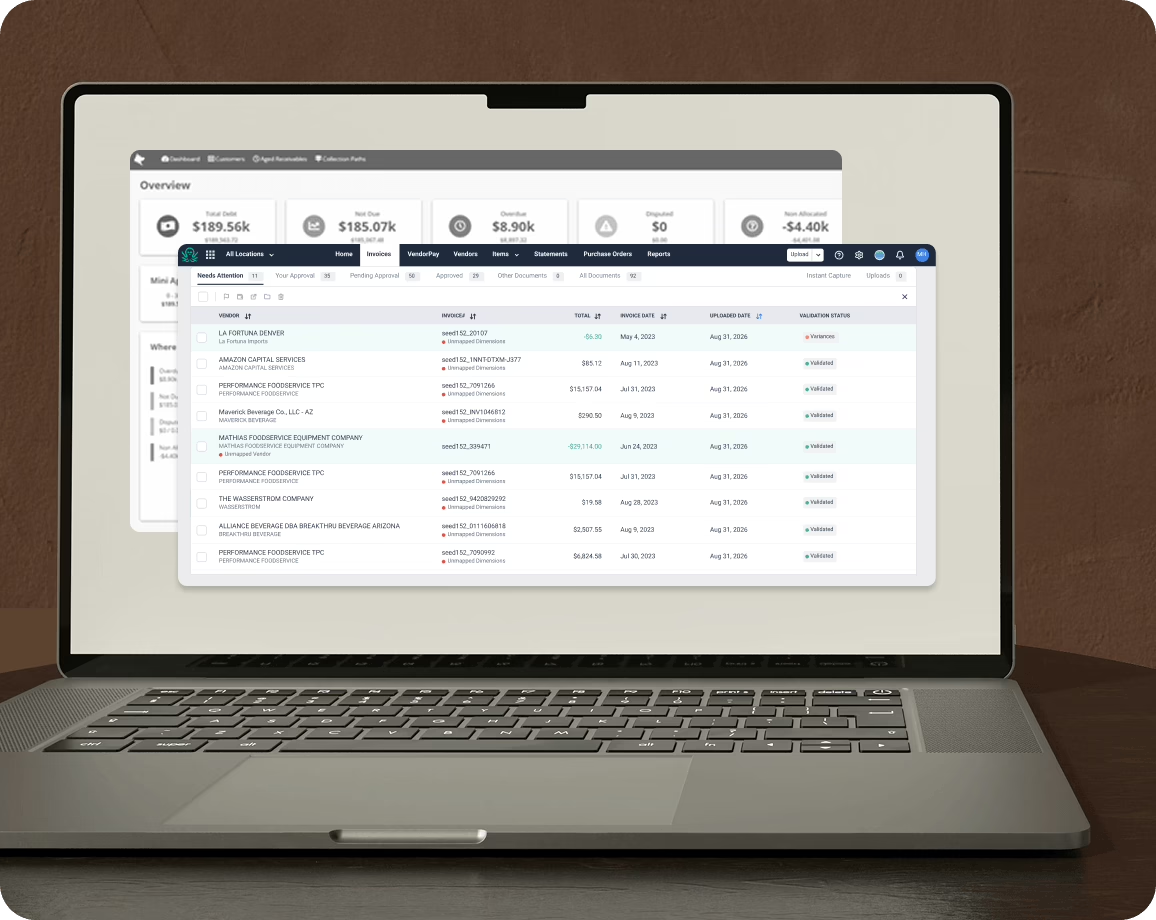
Sage Intacct reports by location. Invoices don’t show up that way.
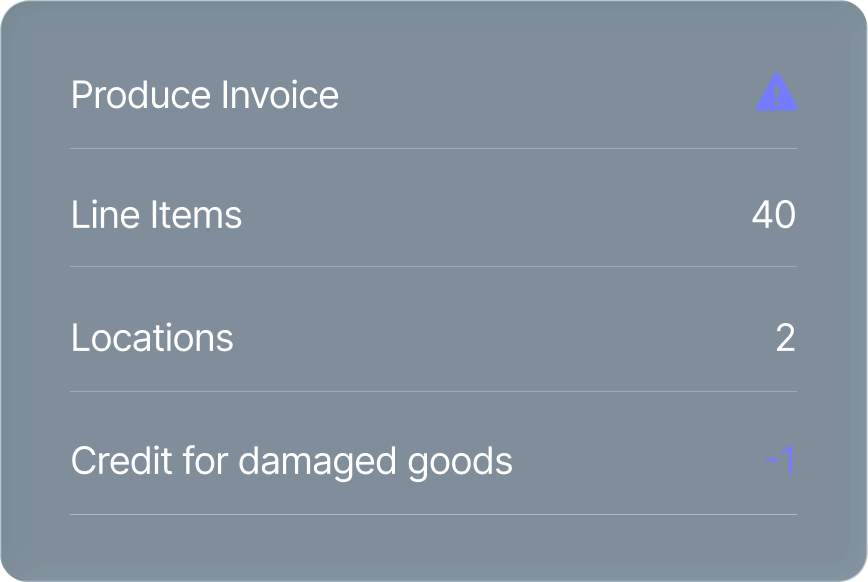
A produce invoice shows up with 40 lines for 2 locations, plus a credit for a case that arrived crushed. Before Sage Intacct can show food cost by location, someone has to split it, code it, and key it in.
Then, the invoice shows up.
Ottimate reads it and knows what each line means for each location.
From invoice to Sage Intacct.
Onboard your suppliers before the first invoice. Ottimate verifies the supplier before the first payment.
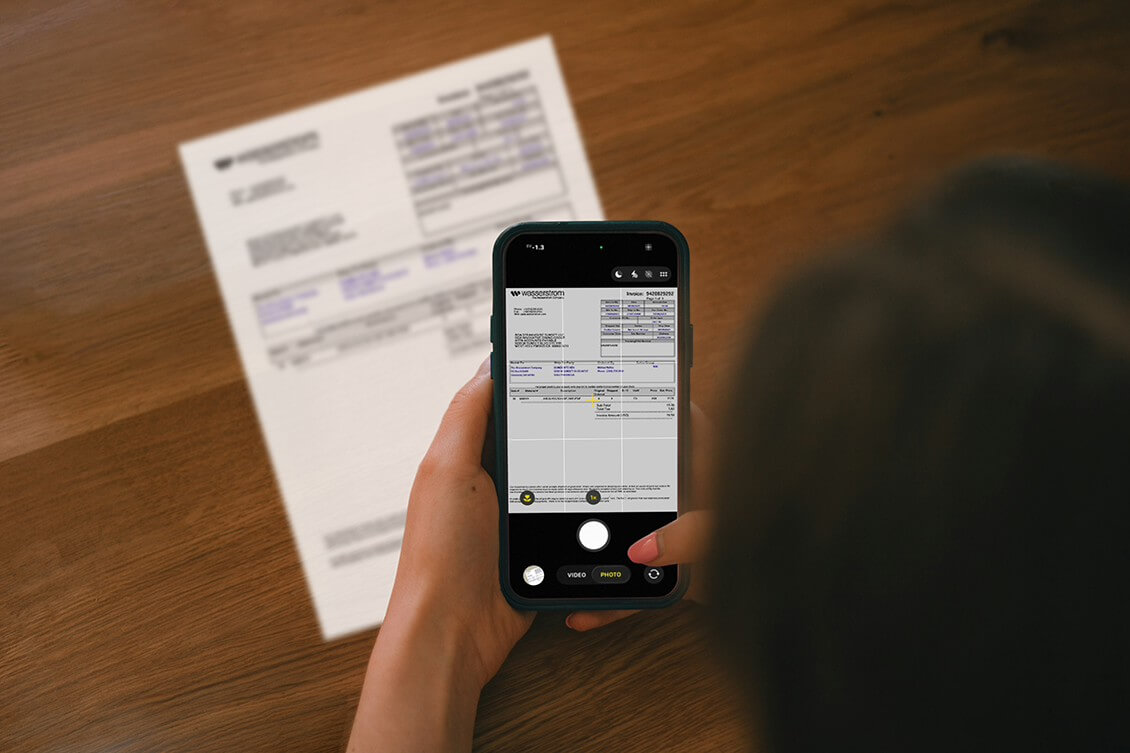
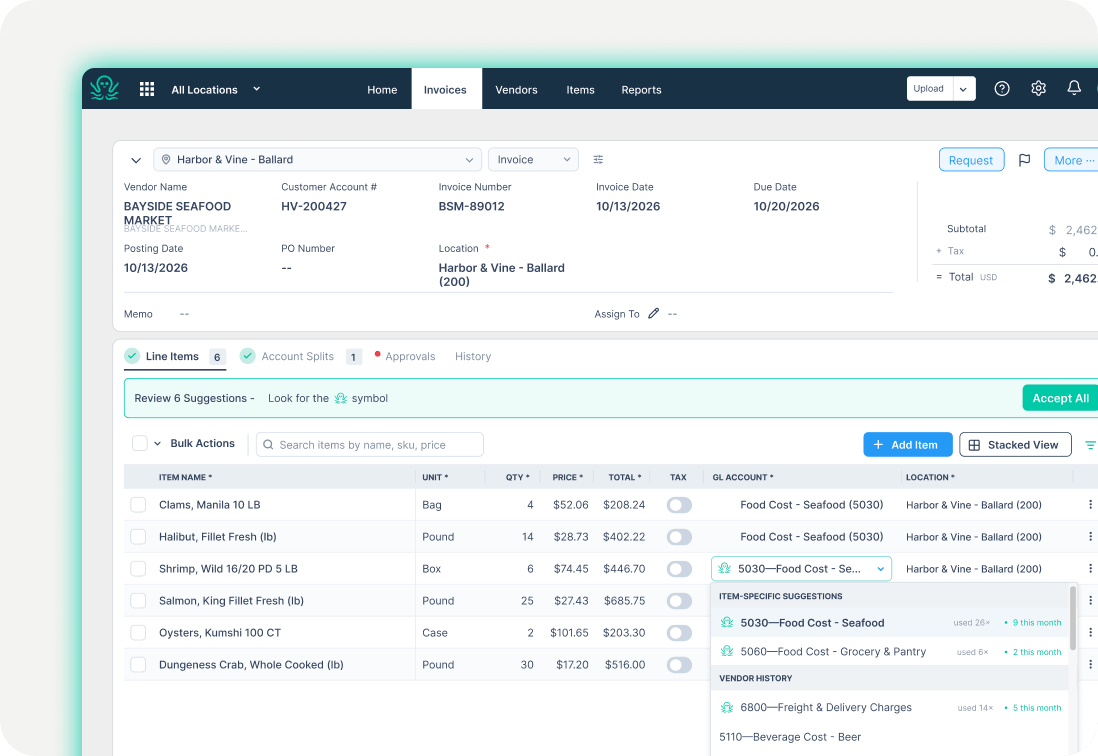
Snap it or forward it
A manager photographs the invoice at delivery, or your vendor emails it directly to Ottimate. Ottimate captures the invoice’s line-item detail.
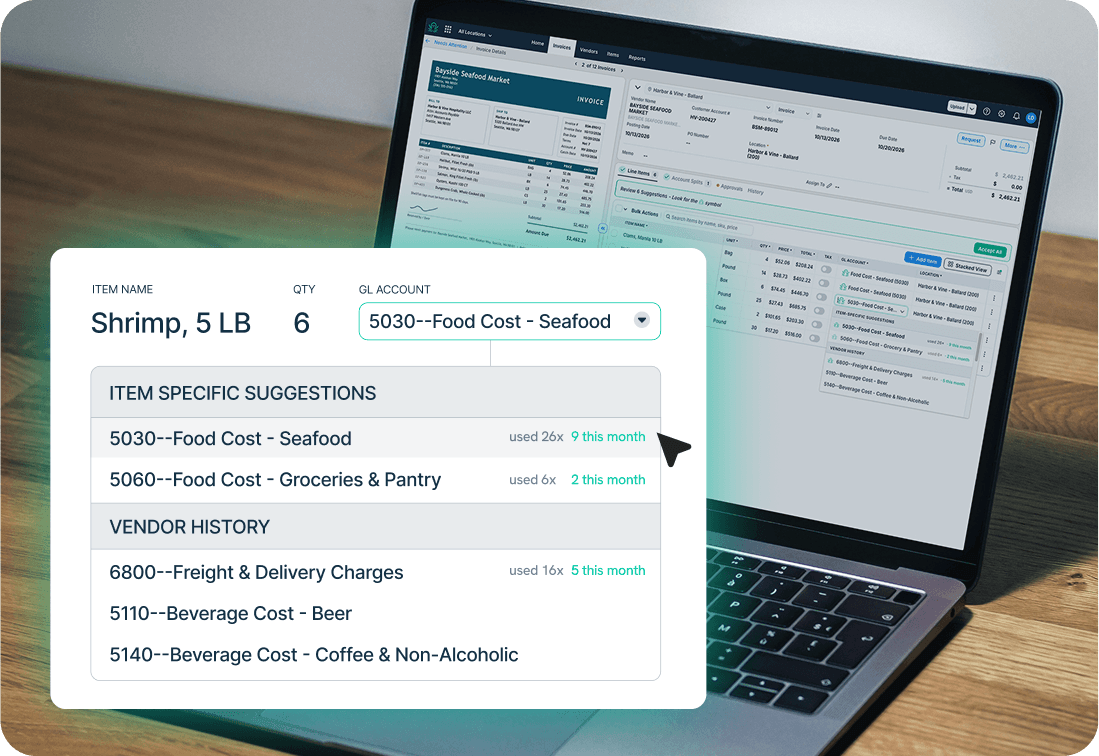
Code it for your books
Ottimate applies your Sage Intacct GL accounts and user-defined dimensions, including locations, departments, and classes. Allocate costs across locations or departments where needed, and route coding exceptions and price variances for review.
Sync the bill to Sage Intacct
The coded bill syncs to Sage Intacct Accounts Payable with line-level accounting detail and access to the original invoice.
Keep Sage Intacct and Ottimate connected.
Built around the way you use Sage Intacct.
Built for businesses with more than one front door.
Restaurant groups, hotels, grocers, healthcare networks, and clubs run Ottimate on Sage Intacct. Support each location’s AP needs while keeping GL coding and dimensional reporting consistent across your organization.


Before Ottimate, our accountants spent about 80% of their time on AP. Now they have time to focus on the accounting work they were hired to do.