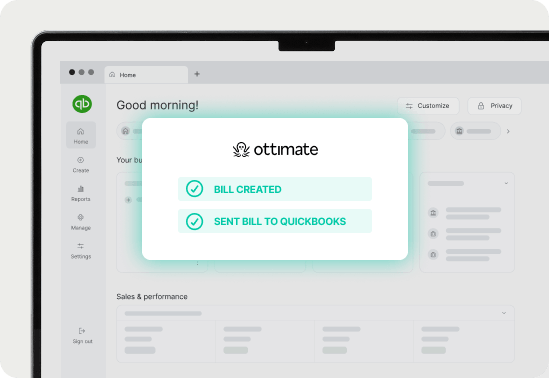
AP AUTOMATION FOR QUICKBOOKS

You code it.
You key it.
We do both.
Send Ottimate an invoice. It reads every line and codes it to your QuickBooks accounts. The bill links to the original invoice.

Your books live in QuickBooks.
Your invoices live in your inbox.

Ottimate takes over the loop. The bill is ready when you are.

Every week, the same loop: open the email, read the invoice, pick the accounts, key the lines into a bill, attach the PDF. It holds up until volume grows, you open a second location, or the one person who knows your coding takes a vacation.

HOW IT WORKS

From invoice to QuickBooks.

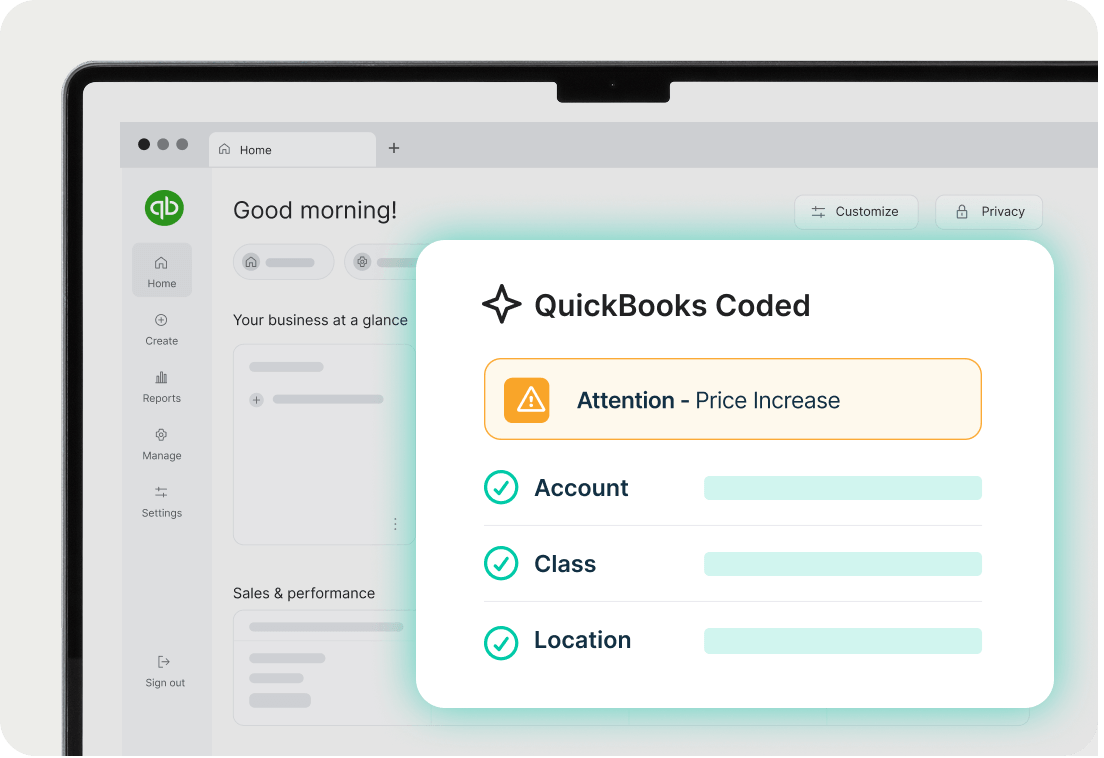
Ottimate works from your existing chart of accounts and vendor list, so every bill lands in QuickBooks the way you’d have entered it.
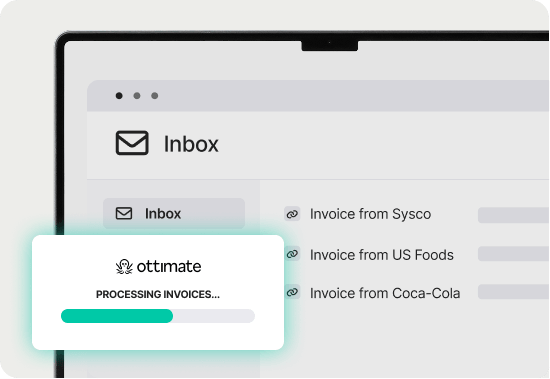
Send it in.
Two-way sync

Your setup stays in QuickBooks.
Ottimate works from it.

Ottimate connects to QuickBooks Online in one click, then keeps both systems current without exports, imports, or custom coding. Your chart of accounts, vendors, and classes stay the source of truth. Ottimate works from them.

From QuickBooks To Ottimate

  • Vendors
  • Chart of accounts
  • Items
  • Classes and locations 
  • Purchase orders

From Ottimate To QuickBooks

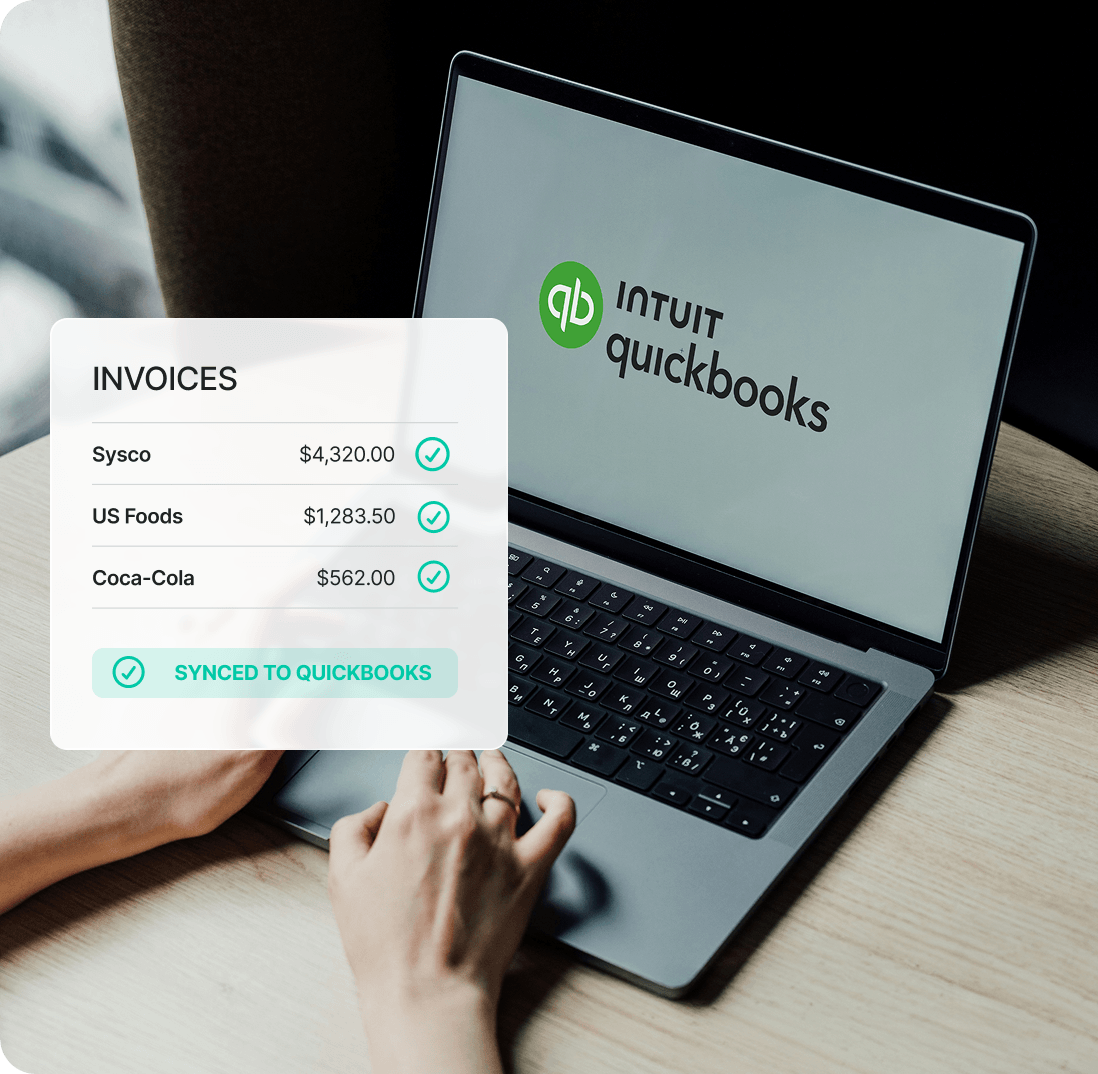
  • Coded bills with line-level accounting detail
  • Vendor Credits
  • Access to original invoices
  • Vendor payment transactions
  • Corporate card transactions
Intuit Enterprise Suite

On Intuit Enterprise Suite?
We grow with you.

Ottimate works with Intuit Enterprise Suite as your business gets more complex. Add custom dimensions as you open sites, and Ottimate codes them line by line. Approval workflows route each invoice to the right person before the bill syncs.
Beyond data entry

Match it. Approve it. Pay it.

Ottimate handles all your accounts payable needs from upload through payment, and QuickBooks stays current at each one.

CHECK

Billed for more than you ordered?

Compare invoice lines against purchase orders and, for three-way matching, receiving records. Review mismatches before anyone approves or pays.

APPROVE

Send it to the right person

Route invoices by dimensions like location, amount, or GL account. Give approvers access to the invoice image and coding details to review everything in one place.

PAY

Pay from Ottimate, and QuickBooks knows.

Pay approved bills from Ottimate, and payment details sync to QuickBooks, so you don’t have to reconcile twice.

AUDIT

A paper trail you don’t have to build.

Invoice activity and approval history stay in Ottimate, with role-based access to support AP controls and audit prep.

Industries

Every location runs differently. Your books don’t.

Restaurant groups, hotels, grocers, healthcare networks, clubs, and bookkeeping firms use Ottimate with QuickBooks. Support each location’s AP needs while keeping GL coding and dimensional reporting consistent across your organization.
Frequently Asked Questions
Ottimate works with QuickBooks Online, QuickBooks Online Advanced, and QuickBooks Intuit Enterprise Suite (IES).
Yes. Ottimate codes to your QuickBooks classes and locations at the line level. With Intuit Enterprise Suite, it also supports custom dimensions, including nested values up to five levels deep.
Our QuickBooks integration is included at no additional charge with your Ottimate subscription.
Vendors, items, invoices, payments, and line-item detail at the general ledger level.

Stop keying bills. Start closing sooner.