
Stay in Control with Smart Approval Policies
Never Miss an Invoice or Payment
Ottimate’s AI-powered workflows let you create custom approval policies that ensure every invoice is reviewed before payment.
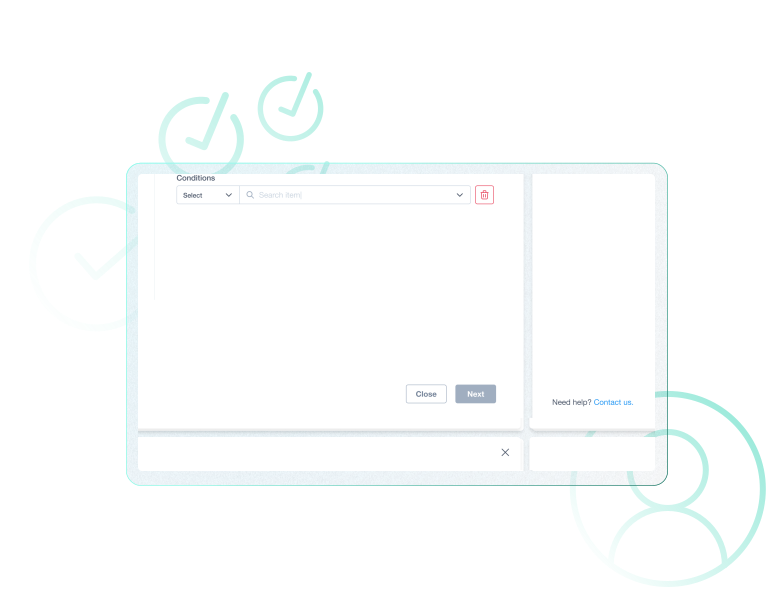

Key challenges with decentralized workflows
Structureless workflows cause invoices to slip through the cracks, creating delays, cash flow surprises, and a higher risk of costly errors or unauthorized payments.

Missed or late processing

Approval bottlenecks

Cash flow issues
Automate GL coding and approvals with AI
Smarter invoice approvals with AI
Manual approval routing slows payments and increases risk. With Ottimate, AI automates GL coding and routes invoices to the right people instantly. Teams save hours each week, reduce errors, and gain real-time visibility into spend across every department.

Efficient invoice and payment processing
Ottimate uses AI to analyze, route, and automate AP approvals. Customizable workflows keep oversight intact while reducing delays, errors, and fraud risk.

Optimize AP
Custom policies
Cash flow management
Increased security
Add oversight with multi-level approvals
Multi-level Approvals
Set up multi-level approval policies to keep spending in check. Require additional sign-offs based on vendor or expense amount to give your team stronger visibility and control over company spend.

Streamline approvals with role-based policies
Role-Based Approvals
Simplify the approval process with role-based policies. Instead of assigning invoices to a specific person, set rules by job title so anyone in that role can review and approve. This keeps invoices moving quickly while reducing the number of policies you need to manage.
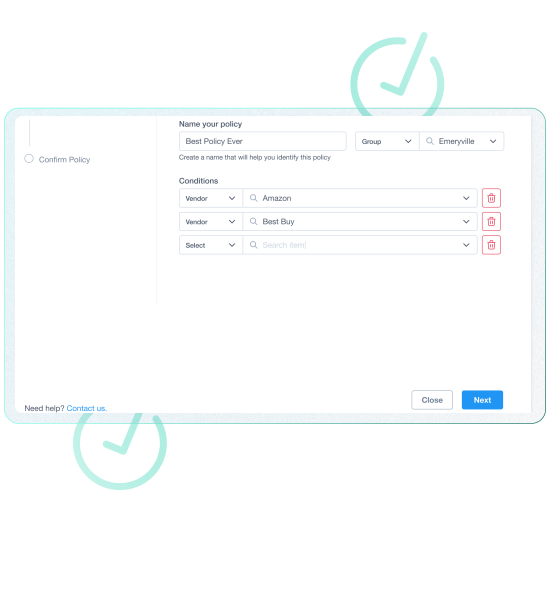
Approve payments before they leave your account
VendorPay Approvals
To create greater awareness over cash flow, set up policies to approve payments before they leave your account.

Frequently Asked Questions
Customize your approval workflow
Discover how AI-powered approval workflows streamline AP, reduce errors, and give you full visibility into spend.
Book a Demo
What Ottimate customers say on G2
See how Ottimate has helped other finance teams with their invoice-to-payments processing.
“I love once you have submitted the invoices you can check payment status if a vendor does call regarding payment. You can even send them copy of the check information.”
“It saves us a significant amount of time daily by streamlining invoice approvals, exporting accurate data, and providing easy access to invoice and approval history.”
“Ottimate is a time-saving tool used to help us process invoices and get approvals from managers associated with certain accounts. We currently have over 50 locations using Ottimate, and I, at the corporate location, can easily assist anyone using this program and manage the invoice process.”
“Ottimate has streamlined the company’s workflow, making it easy to submit and approve invoices. It was my first time using the program, and with guidance from my colleague, I found it straightforward and user-friendly”